
-p-2000.png)


Figma to Webflow in 2026: Hand-Build vs Plugin vs AI Converter (and When Each Wins)
TL;DR:
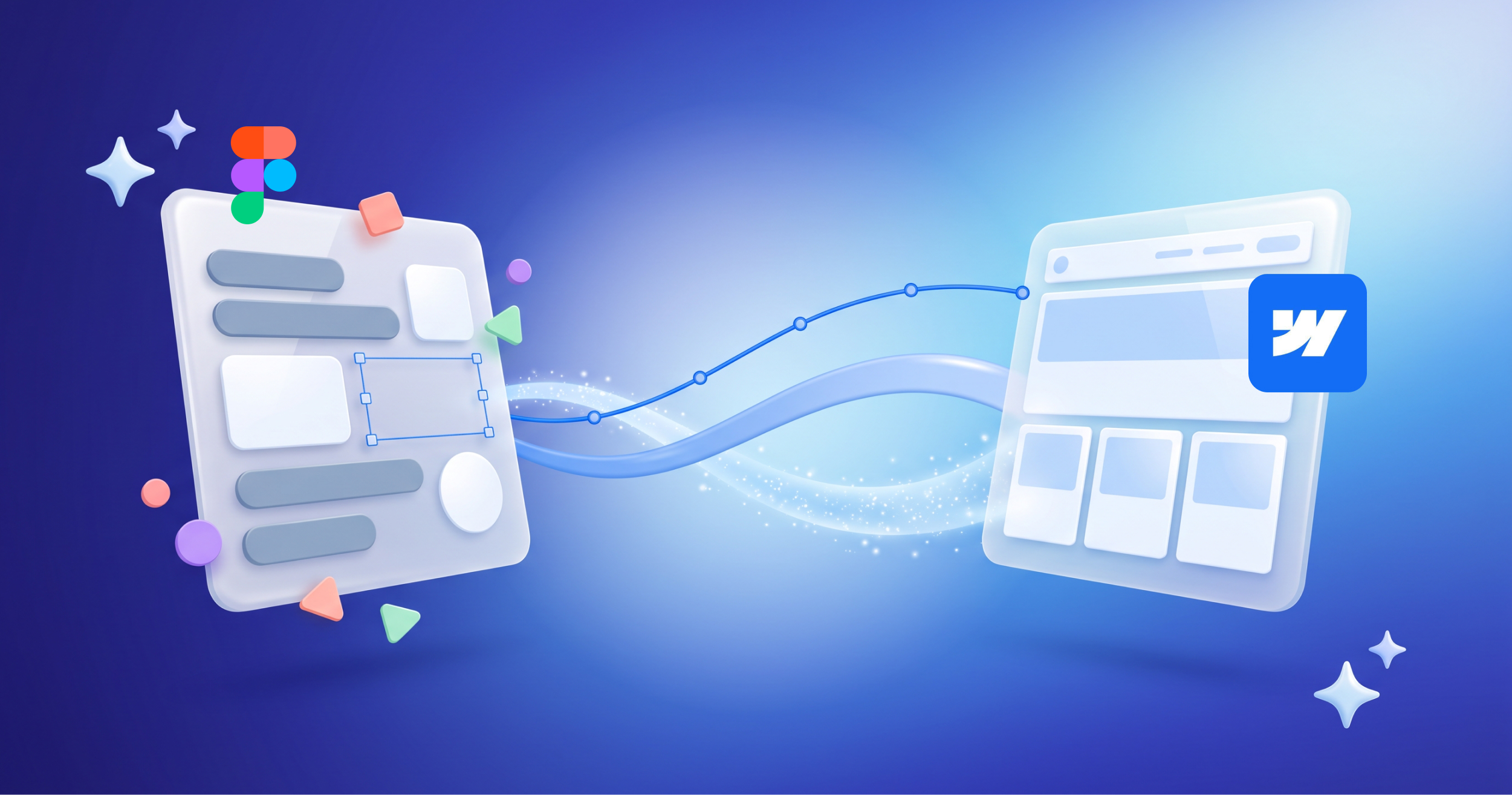
There are three ways to turn a Figma design into a Webflow site in 2026: build it by hand, use the official Figma to Webflow plugin, or run it through an AI converter. Fastest is not the same as best. What actually decides the outcome is not how closely the result matches the mockup, but whether the site is clean and maintainable afterward. Hand-building wins for production sites that need to last. The plugin speeds up a well-structured design. AI converters are great for rough prototypes and starting points, and risky for anything you will maintain for years.
"Can't AI just turn our Figma file into a Webflow site now?"
We get some version of that question almost every week, and it is a fair one. The tools have genuinely improved. The honest answer is: yes, sort of, and how you make the jump from Figma to Webflow decides how maintainable your site is for the next few years.
Here are the three ways to do it in 2026, what each is good at, and where each falls down.
Option 1: Hand-build in Webflow
This is the classic approach. A designer creates the layout in Figma, and a Webflow developer rebuilds it by hand in the Designer.
Strengths:
- Full control over structure, class names, and responsiveness
- A clean, reusable design system (Client-First or Lumos) that stays editable
- Proper CMS setup, so your team can update the site later
- The best long-term maintainability
Where it falls down:
- It is the slowest of the three
- It depends entirely on the skill of the person building it
For production sites, and especially for anything a client will own and manage, this is still the approach we reach for. The speed you lose up front you get back many times over in a site that is easy to change later.
Option 2: The official Figma to Webflow plugin
Webflow's own Figma to Webflow plugin converts auto-layout frames in Figma into Webflow elements, and its Design System Sync feature can carry your styles and variables across.
Strengths:
- Much faster than hand-building for clean, well-structured designs
- Translates auto-layout frames into responsive flexbox structures
- Syncs a design system, so you are not rebuilding styles from scratch
Where it falls down:
- It works best only when the Figma file is built properly with auto layout and a real design system
- Complex component variants and instances still do not always translate cleanly
- The output usually needs a Webflow professional to review, fix, and finish
The plugin is best understood as a power tool for someone who already knows Webflow, not a replacement for knowing it. In good hands it saves real time. On a messy Figma file, it can create as much cleanup as it saves.
Option 3: AI converters (and Figma's own tools)
This is the newest and fastest-moving category. AI converters promise to turn a design into a working Webflow build automatically, and Figma has been expanding its own tools like Figma Sites and Figma Make.
Strengths:
- The fastest way to get from a design to something that looks close
- Genuinely useful for prototypes, drafts, and starting points
Where it falls down:
- The output often needs heavy cleanup. One 2026 assessment put AI at roughly 75% of the way there, with a human required to finish the rest.
- Class names and structure are frequently messy, which makes the site hard to maintain
- Responsiveness and edge cases often break in ways that are not obvious in a demo
AI conversion is real and improving, but "looks like the mockup" and "is a clean, maintainable site" are two very different things. The last 25% is usually where the actual engineering lives.
Why clean structure matters more than a pixel-perfect copy
Here is the part that gets lost in the "AI can do it now" excitement. Getting a site to look like the Figma file is the easy part. Getting it to be maintainable is the hard part, and it is what you are really paying for.
A site with messy, auto-generated class names and no real design system might look identical to a hand-built one on launch day. Six months later, when your team tries to add a section or change a color everywhere, the difference shows up fast. One site is a quick edit. The other is a tangle nobody wants to touch.
That is why we do not judge a build by how closely it matches the mockup. We judge it by:
- Whether the class system is clean and consistent
- Whether components are reusable
- Whether the CMS is set up so your team can run the site
- Whether it stays fast and responsive across real devices
When each approach wins
A simple way to choose:
- Production site your team will own and maintain? Hand-build, or use the plugin as a starting point and finish it properly.
- A clean, well-structured Figma file and a Webflow pro to finish it? The plugin can save real time.
- A quick prototype, draft, or internal concept? An AI converter is a great starting point.
- A rough Figma file or a site that has to last? Do not rely on AI or the plugin alone. The cleanup will cost you the time you thought you saved.
How we approach it
For client work, we start with the design system, not the pixels. We decide on the class system and reusable components first, then build, using the plugin to speed up the parts it handles well and hand-building the rest. The goal is always the same: a site that looks right and stays easy to change, long after launch.
The tools will keep getting better. The principle will not: a Webflow site is only as good as the structure underneath it.
Have a Figma design you want built in Webflow? The right method depends on your file and what the site needs to do. We are a Webflow Premium Partner based in Seattle, and we build Figma designs into clean, maintainable Webflow sites, using AI and the plugin where they help and hand-building where they do not.

Let's Talk
Talk to a Webflow ExpertLet's Talk
Talk to a Webflow ExpertFAQ
Can AI convert Figma to Webflow?
Yes, and it is improving, but not as cleanly as demos suggest. One 2026 assessment put AI at roughly 75% of the way, with a person needed to finish. It is excellent for prototypes and drafts, and risky for production sites you will maintain.
Is there an official Figma to Webflow plugin?
Yes. Webflow's Figma to Webflow plugin converts auto-layout frames into Webflow elements and can sync your design system. It works best on well-structured Figma files and usually needs a Webflow professional to finish the build.
What is the best way to convert Figma to Webflow?
It depends on the goal. For a production site, hand-building (or the plugin plus expert cleanup) gives the cleanest, most maintainable result. For a quick prototype, an AI converter is faster. The right choice is about maintainability, not just speed.
Why does clean structure matter more than matching the design?
Because matching the design is easy, and maintaining the site is hard. Messy auto-generated class names look fine on launch day but make future changes slow and painful. Clean structure is what keeps a site easy to update.
Does the Figma to Webflow plugin handle components?
Partially. It handles auto-layout frames and design systems well, but complex component variants and instances still do not always translate cleanly, so expect to review and fix the output.

Marketing Team
Publisher


Marketing Team
Publisher
Subscribe to Seattle New Media Newsletter

Enter your details to get instant access
Get the File Now
If you'd like to download the file, enter your name and email below, and we'll send it directly to your inbox.
The file has been sent to your email. Please check your inbox!
"Can't AI just turn our Figma file into a Webflow site now?"
We get some version of that question almost every week, and it is a fair one. The tools have genuinely improved. The honest answer is: yes, sort of, and how you make the jump from Figma to Webflow decides how maintainable your site is for the next few years.
Here are the three ways to do it in 2026, what each is good at, and where each falls down.
Option 1: Hand-build in Webflow
This is the classic approach. A designer creates the layout in Figma, and a Webflow developer rebuilds it by hand in the Designer.
Strengths:
- Full control over structure, class names, and responsiveness
- A clean, reusable design system (Client-First or Lumos) that stays editable
- Proper CMS setup, so your team can update the site later
- The best long-term maintainability
Where it falls down:
- It is the slowest of the three
- It depends entirely on the skill of the person building it
For production sites, and especially for anything a client will own and manage, this is still the approach we reach for. The speed you lose up front you get back many times over in a site that is easy to change later.
Option 2: The official Figma to Webflow plugin
Webflow's own Figma to Webflow plugin converts auto-layout frames in Figma into Webflow elements, and its Design System Sync feature can carry your styles and variables across.
Strengths:
- Much faster than hand-building for clean, well-structured designs
- Translates auto-layout frames into responsive flexbox structures
- Syncs a design system, so you are not rebuilding styles from scratch
Where it falls down:
- It works best only when the Figma file is built properly with auto layout and a real design system
- Complex component variants and instances still do not always translate cleanly
- The output usually needs a Webflow professional to review, fix, and finish
The plugin is best understood as a power tool for someone who already knows Webflow, not a replacement for knowing it. In good hands it saves real time. On a messy Figma file, it can create as much cleanup as it saves.
Option 3: AI converters (and Figma's own tools)
This is the newest and fastest-moving category. AI converters promise to turn a design into a working Webflow build automatically, and Figma has been expanding its own tools like Figma Sites and Figma Make.
Strengths:
- The fastest way to get from a design to something that looks close
- Genuinely useful for prototypes, drafts, and starting points
Where it falls down:
- The output often needs heavy cleanup. One 2026 assessment put AI at roughly 75% of the way there, with a human required to finish the rest.
- Class names and structure are frequently messy, which makes the site hard to maintain
- Responsiveness and edge cases often break in ways that are not obvious in a demo
AI conversion is real and improving, but "looks like the mockup" and "is a clean, maintainable site" are two very different things. The last 25% is usually where the actual engineering lives.
Why clean structure matters more than a pixel-perfect copy
Here is the part that gets lost in the "AI can do it now" excitement. Getting a site to look like the Figma file is the easy part. Getting it to be maintainable is the hard part, and it is what you are really paying for.
A site with messy, auto-generated class names and no real design system might look identical to a hand-built one on launch day. Six months later, when your team tries to add a section or change a color everywhere, the difference shows up fast. One site is a quick edit. The other is a tangle nobody wants to touch.
That is why we do not judge a build by how closely it matches the mockup. We judge it by:
- Whether the class system is clean and consistent
- Whether components are reusable
- Whether the CMS is set up so your team can run the site
- Whether it stays fast and responsive across real devices
When each approach wins
A simple way to choose:
- Production site your team will own and maintain? Hand-build, or use the plugin as a starting point and finish it properly.
- A clean, well-structured Figma file and a Webflow pro to finish it? The plugin can save real time.
- A quick prototype, draft, or internal concept? An AI converter is a great starting point.
- A rough Figma file or a site that has to last? Do not rely on AI or the plugin alone. The cleanup will cost you the time you thought you saved.
How we approach it
For client work, we start with the design system, not the pixels. We decide on the class system and reusable components first, then build, using the plugin to speed up the parts it handles well and hand-building the rest. The goal is always the same: a site that looks right and stays easy to change, long after launch.
The tools will keep getting better. The principle will not: a Webflow site is only as good as the structure underneath it.
Have a Figma design you want built in Webflow? The right method depends on your file and what the site needs to do. We are a Webflow Premium Partner based in Seattle, and we build Figma designs into clean, maintainable Webflow sites, using AI and the plugin where they help and hand-building where they do not.
Let's Talk
Button TextFAQ
Can AI convert Figma to Webflow?
Yes, and it is improving, but not as cleanly as demos suggest. One 2026 assessment put AI at roughly 75% of the way, with a person needed to finish. It is excellent for prototypes and drafts, and risky for production sites you will maintain.
Is there an official Figma to Webflow plugin?
Yes. Webflow's Figma to Webflow plugin converts auto-layout frames into Webflow elements and can sync your design system. It works best on well-structured Figma files and usually needs a Webflow professional to finish the build.
What is the best way to convert Figma to Webflow?
It depends on the goal. For a production site, hand-building (or the plugin plus expert cleanup) gives the cleanest, most maintainable result. For a quick prototype, an AI converter is faster. The right choice is about maintainability, not just speed.
Why does clean structure matter more than matching the design?
Because matching the design is easy, and maintaining the site is hard. Messy auto-generated class names look fine on launch day but make future changes slow and painful. Clean structure is what keeps a site easy to update.
Does the Figma to Webflow plugin handle components?
Partially. It handles auto-layout frames and design systems well, but complex component variants and instances still do not always translate cleanly, so expect to review and fix the output.
Marketing Team
Publisher
Subscribe to Seattle New Media Newsletter
Marketing Team
Publisher
Get the File Now
If you'd like to download the file, enter your name and email below, and we'll send it directly to your inbox.
The file has been sent to your email. Please check your inbox!



Hi, I'm Mike!
If you are enjoying the article, feel free to subscribe to our monthly newsletter.
If you have any project requirements, please contact us.


.svg)


